# Viewing HTML reports
If you generate some form of rich HTML content (for example, code coverage reports or performance reports) during your Bitrise build, you do not have to download and view the report in a separate tool: you can view the content directly on the Bitrise UI. You don't have to embed everything in the HTML file either: Bitrise will parse all images, CSS files and Javascript files to display the full content as intended.
To view an HTML report on Bitrise:
1. Generate your HTML report during a build.
1. Create a subfolder of the BITRISE_HTML_REPORT_DIR directory with a descriptive name. The name of the folder will be the title of your report on the UI.
BITRISE_HTML_REPORT_DIR is an Environment Variable pointing to the directory where Bitrise is looking for the HTML reports.
1. Make sure your generated report is deployed to your subfolder.
:::tip[Multiple reports]
You can generate multiple reports in multiple subfolders. Each report must have an `index.html` file.
:::
1. Run a build.
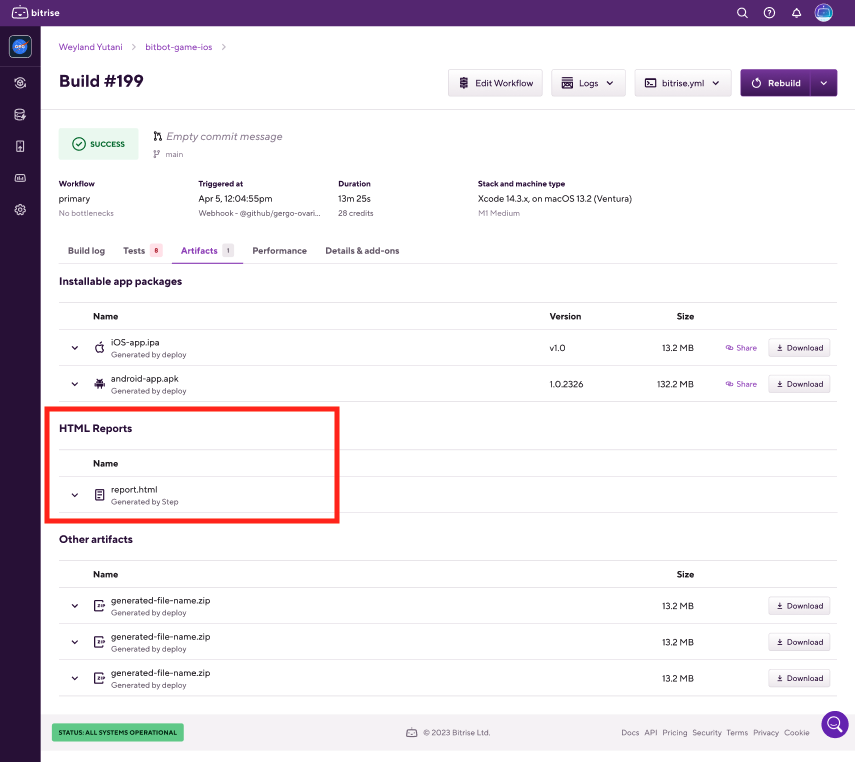
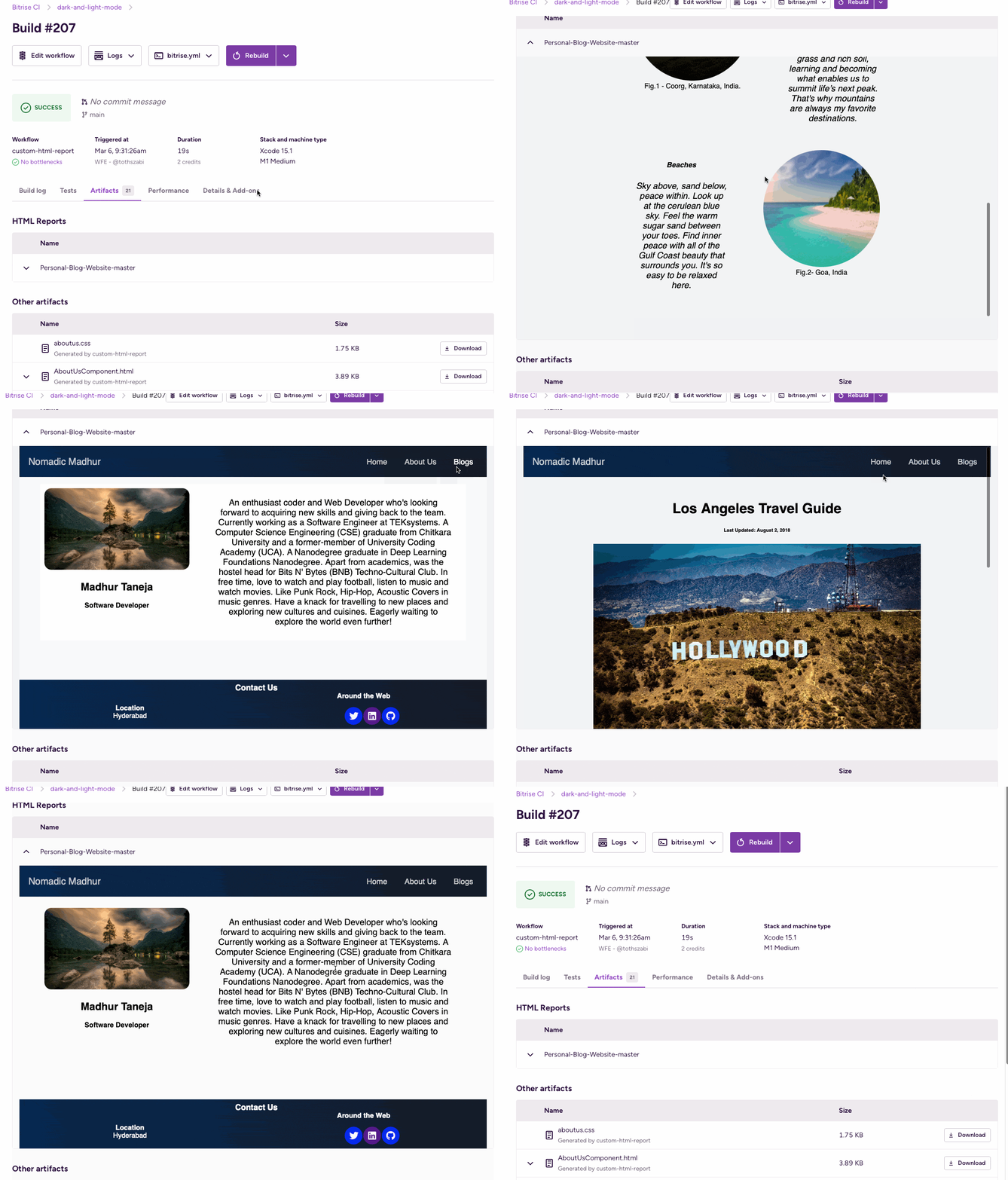
1. Once the build is finished, go to the build's page and select the **Artifacts** tab. You can find your report under the **HTML reports** section.
:::note[Seven day limit]
Each HTML report is available for seven days.
:::