Configuring the build cache for Gradle in the Bitrise CI environment
In the Bitrise CI environment, you only need our official Step to use the Bitrise Build Cache for your Gradle builds.
If you want to use the Bitrise Build Cache in your local builds, you need to first activate it in our CI environment.
You can also set this up with an AI coding agent instead of following the steps manually. See Getting started with AI.
- Workflow Editor
- Configuration YAML
-
Log in to Bitrise and select Bitrise CI on the left, then select your project.
-
Click the Workflows button on the main page.
-
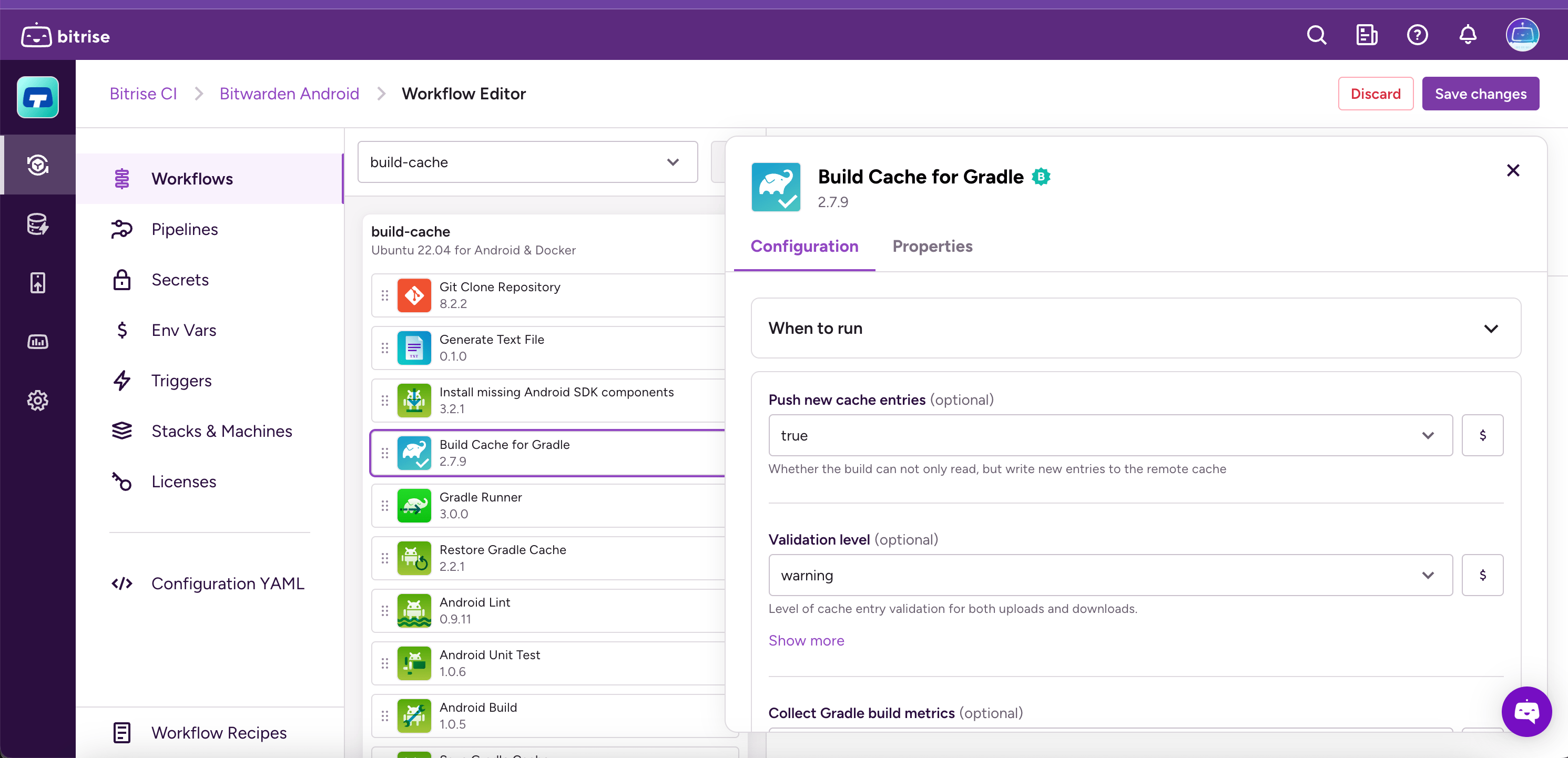
Add the Build Cache for Gradle Step to your Workflow.
The Step should be before any Step that executes Gradle tasks, such as Gradle Runner or Android Build.
-
Open the
bitrise.ymlfile and add theactivate-build-cache-for-gradleStep to your Workflow.The Step should be before any Step that executes Gradle tasks, such as
gradle-runnerorandroid-build.your-workflow:steps:- git-clone@8: {}- activate-build-cache-for-gradle: