Deploying apps to Applivery
Applivery is a mobile app distribution platform for iOS and Android that provides a powerful mobile app management and distribution system to simplify app delivery for both testers and employees, with a focus on an easy-to-use experience.
Applivery has many features to better manage your in-development and production-ready apps that will help speed up your development, get better feedback and deliver better applications.
Some of the features are:
- Single or Multi App customized App Stores with a seamless user experience for non-technical users.
- Multi-track and fully customized app distribution with multiple security configurations including SSO, non-registered users, password protected and unlisted apps.
- Automatic and forced in-app updates.
- Feedback and bug reporting.
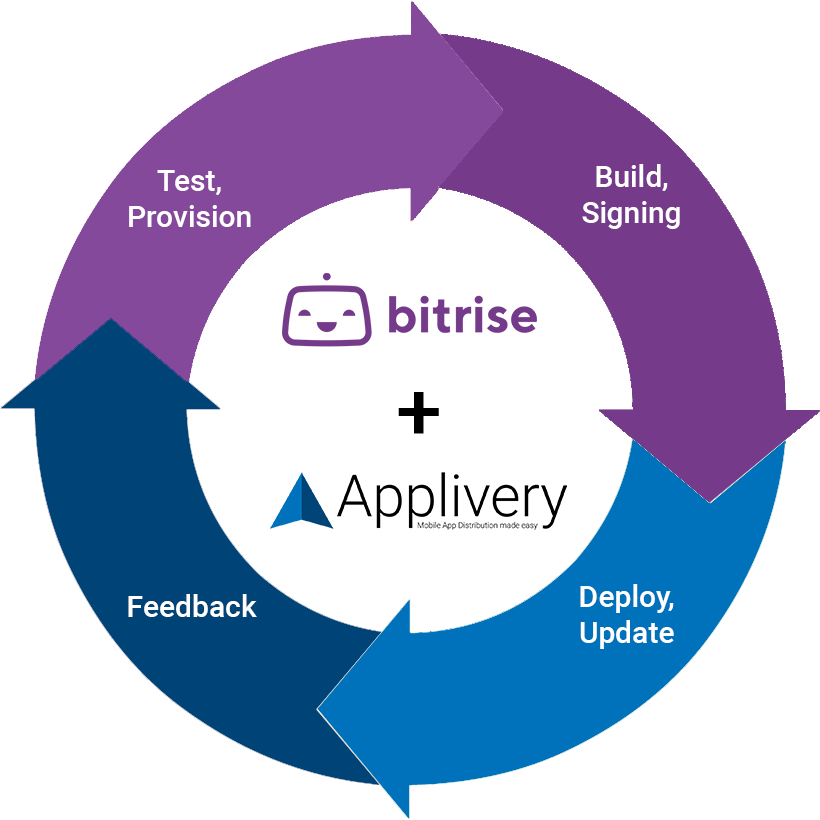
Combined with Bitrise, you can cover the entire development life cycle, from testing and building to delivery and feedback.
Deploying your app to AppliveryClick to copy link
-
Add the Applivery iOS Deploy or the Applivery Android Deploy Step to your Workflow. Make sure you add the Step after the Steps that build your app.
-
Get your Applivery App Token to link your Bitrise app with your Applivery app. Read more about how to get your App Token.
-
Open your app on Bitrise and click the Workflows tab to open the Workflow Editor.
-
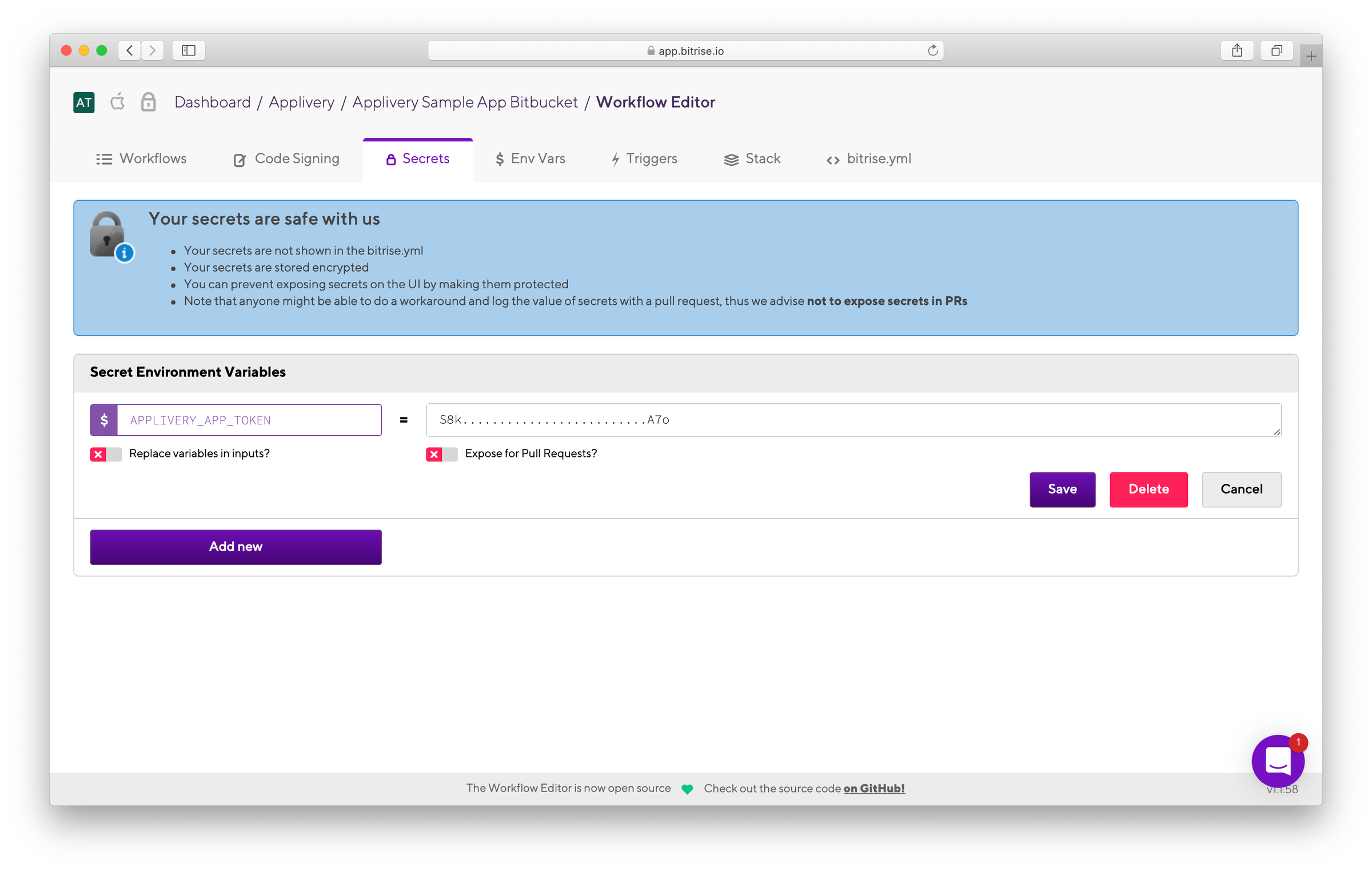
Go to the Secrets tab.
-
Click Add New and type
APPLIVERY_APP_TOKENin the key input field. -
Paste your Applivery App Token in the value input field and click Save.
Configuring the Applivery StepClick to copy link
There are many optional parameters that you can customize for a better and deeper integration:
| Input Variables | Type | Description |
|---|---|---|
| File path | File | App’s binary file. By default gets $BITRISE_IPA_PATH or $BITRISE_APK_PATH. |
| App Token | String | Applivery App token. By default gets $APPLIVERY_APP_TOKEN Secret var. |
| Changelog | String | Additional build/release notes or changelog attached to the deploy. |
| Notify Collaborators? | Boolean | Automatically notify your project Collaborators vía emai. |
| Notify Employees? | Boolean | Automatically notify your project Employees vía emai. |
| Notification message | String | Notification message to be sent along with the email notification. |
| Tags | String | Comma-separated list of tags to easily identify the build or multitrack App Distribution |
| Version name | String | Human readable version name for a better identification of the build. |
| Upload Certificates | Boolean | Download your code signing files from Bitrise Code Signing & Files tab and upload them to Applivery. |
Distribution with AppliveryClick to copy link
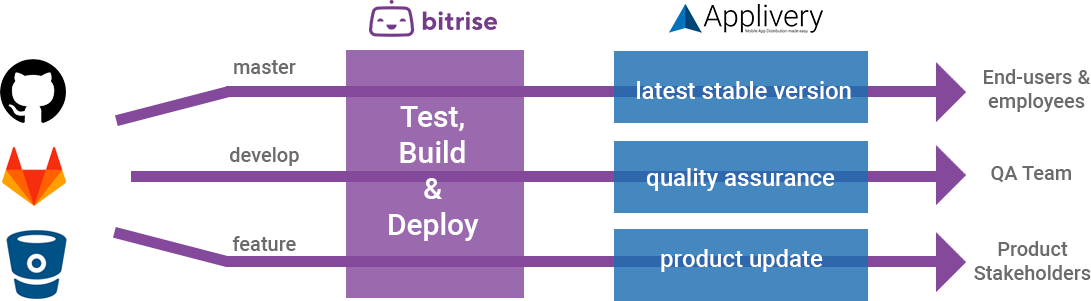
Applivery provides multiple different ways for app distribution from customized App Stores (public or private) to Distribution Pages (public, private, unlisted, or password-protected shareable installation links). It also enables multitrack app delivery based on the information gathered from your Bitrise workflows, such as GitHub Branches, Tags or customized labels.