Installing and upgrading the offline Workflow Editor
You can run the Bitrise Workflow Editor offline, on your own computer, without logging in to bitrise.io. The Workflow Editor is open source: check out the bitrise-workflow-editor repository on GitHub.
About the offline Workflow EditorClick to copy link
The offline Workflow Editor is a local copy of the Workflow Editor that ships with the Bitrise CLI. It runs in your browser on your own computer and edits your project's configuration YAML file locally.
Use it when:
- You want to edit your configuration without logging in to bitrise.io.
- Your security policy requires that your configuration never leaves your own network.
- You prefer editing the configuration YAML file in a GUI instead of editing it by hand.
LimitationsClick to copy link
The offline Workflow Editor supports most features of the Workflow Editor on bitrise.io, including Step bundles, containers, and target-based triggers.
One exception: you can't select a stack or machine type, because the Stacks & Machines page isn't available locally. You can still set the stack by editing the configuration YAML file directly, but the offline Workflow Editor doesn't validate the stack value: the list of available stacks depends on your account, and the offline Workflow Editor doesn't log in to bitrise.io. To check that a stack value is valid for your project, open Stacks & Machines in the Workflow Editor on bitrise.io.
Full feature support requires Bitrise CLI 2.43.0 or newer. On an older version, update the CLI or update the Workflow Editor plugin:
bitrise plugin update workflow-editor
Installing the offline Workflow Editor to your computerClick to copy link
-
Run
bitrise local setupto install offline Workflow Editor as part of the Bitrise Plugins.Running
bitrise local setupalso checks if Bitrise Core tools, Bitrise Plugins and Toolkits are installed on your local machine. If not, it will automatically install them. On macOS, it also checks for Homebrew, prompting you to install it manually if missing.
Starting the offline Workflow EditorClick to copy link
-
cdinto a directory where you have yourbitrise.yml. -
Run
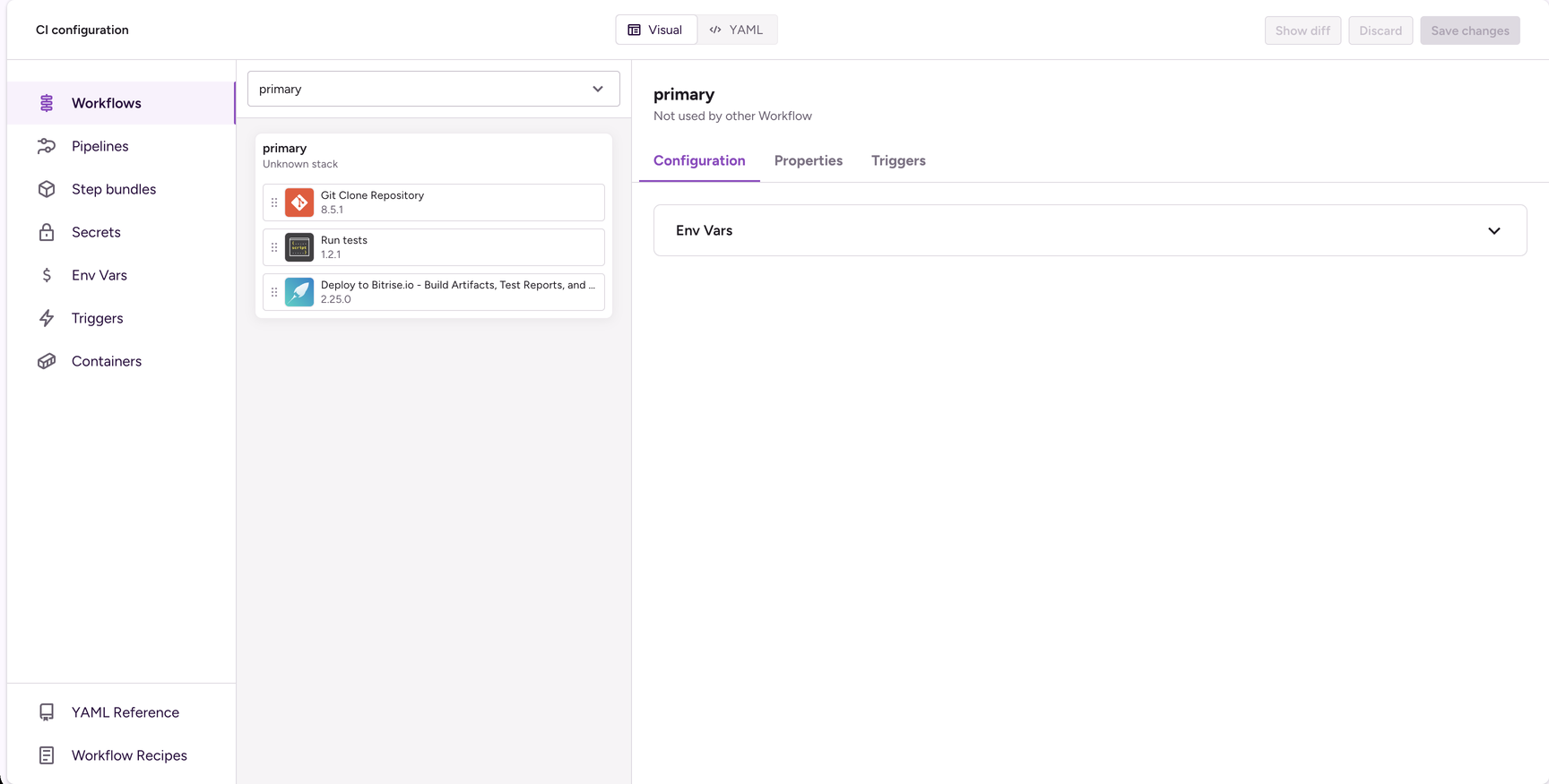
bitrise :workflow-editorcommand to start your offline session.The offline Workflow Editor opens in your browser:
Upgrading Workflow Editor versionClick to copy link
You can upgrade to the latest version of the Workflow Editor by running bitrise plugin update workflow-editor command.