Stop managing a release
If you have started a release on Bitrise but decided to abandon it or complete it externally, you can stop managing that in-progress release regardless of the stage you are at on Bitrise. When stopped, the release becomes read-only and cannot be restarted.
Only Release Managers, Project Admins, and workspace owners have access to this feature.
To stop managing a release:
-
Open your app in Release Management and select Releases.
-
Select a release from the list and click the arrow next to its name.
-
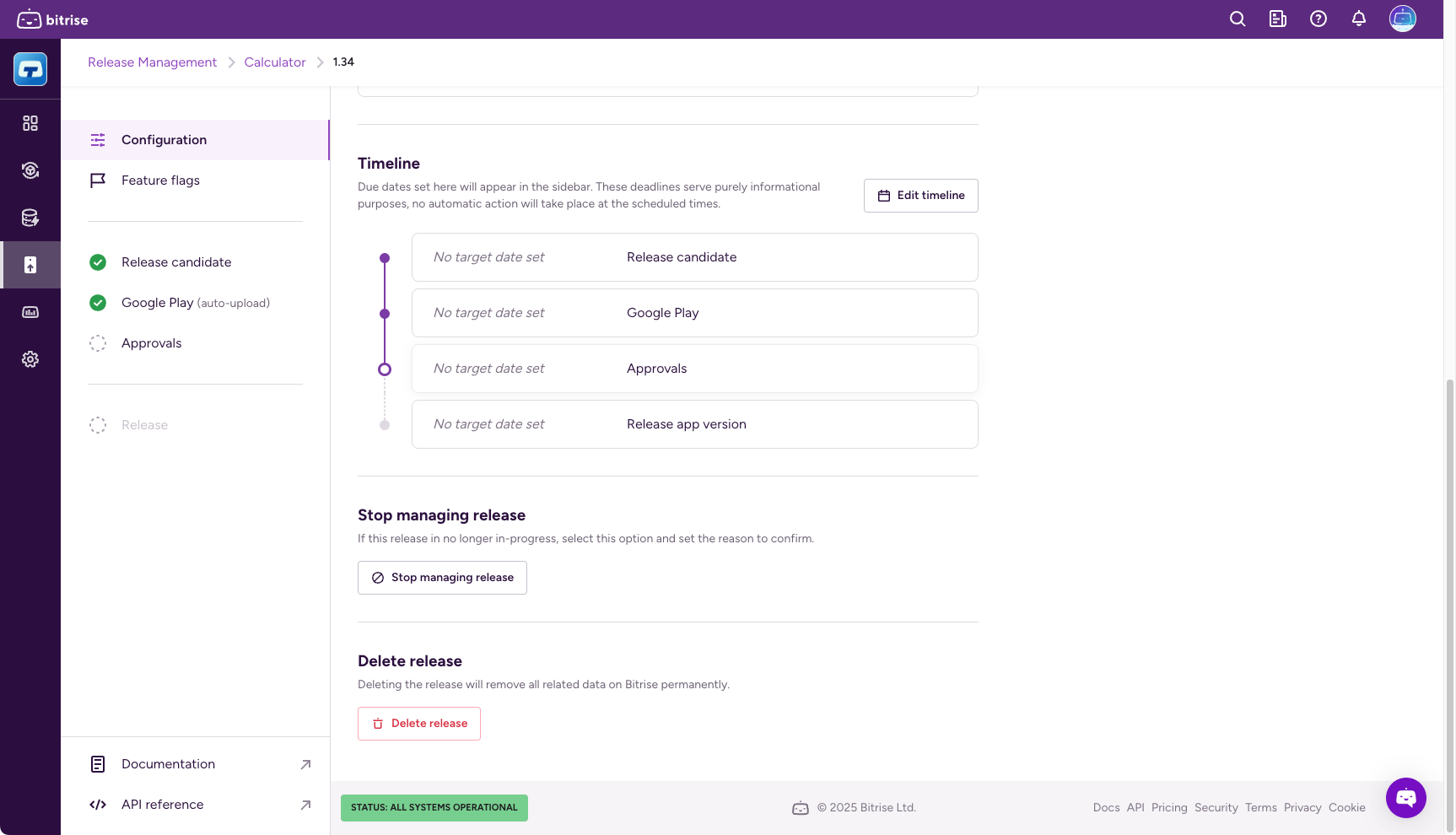
Select Configuration on the left.
-
Scroll down and click Stop managing release. This brings up a dialog.
-
In the Update status and stop managing release dialog, choose a new Release status:
- Completed (App Store) / Completed (Google Play): The release will be completed outside of Bitrise, on App Store Connect or Google Play Console respectively.
- Abandoned: The release is stopped on this stage and will not be completed. In both cases, the release turns to a read-only status on Bitrise.
-
Click Confirm status change.
After you confirm the changes, you can see a breakdown of all completed and not completed release stages. If you go back to the Releases page, you will see the stopped release with the status Abandoned or Completed (App Store) / Completed (Google Play), matching the status you set before.