Editing an app's bitrise.yml file
Your Bitrise configuration is defined in YAML files. All Bitrise projects have a root bitrise.yml file which defines Pipelines, Workflows, app-level Environment Variables, the trigger map, and stack types and machine types for your project. You can edit this file in three different ways:
- Using the graphical UI of the Workflow Editor. Whenever you make a change in the Workflow Editor, it automatically updates your
bitrise.ymlfile. - Editing the bitrise.yml file in the Workflow Editor. You can do so even if you store your configuration file in your repository. The Workflow Editor can push your changes directly your repository.
- Editing the bitrise.yml file locally in an editor of your choice. You can copy the content to the online editor or push it to your repository if you store your configuration file there.
If your configuration is split across several files with the include keyword, the Workflow Editor loads every module and lets you edit them one file at a time. See Editing a modular configuration in the Workflow Editor.
This requires some familiarity with the structure of a Bitrise configuration YAML file. Read more: Configuration YAML reference.
Editing the bitrise.yml file onlineClick to copy link
You can edit your build config in yml format in the bitrise.yml editor. To do so, open the Workflow Editor and switch to YAML at the top.
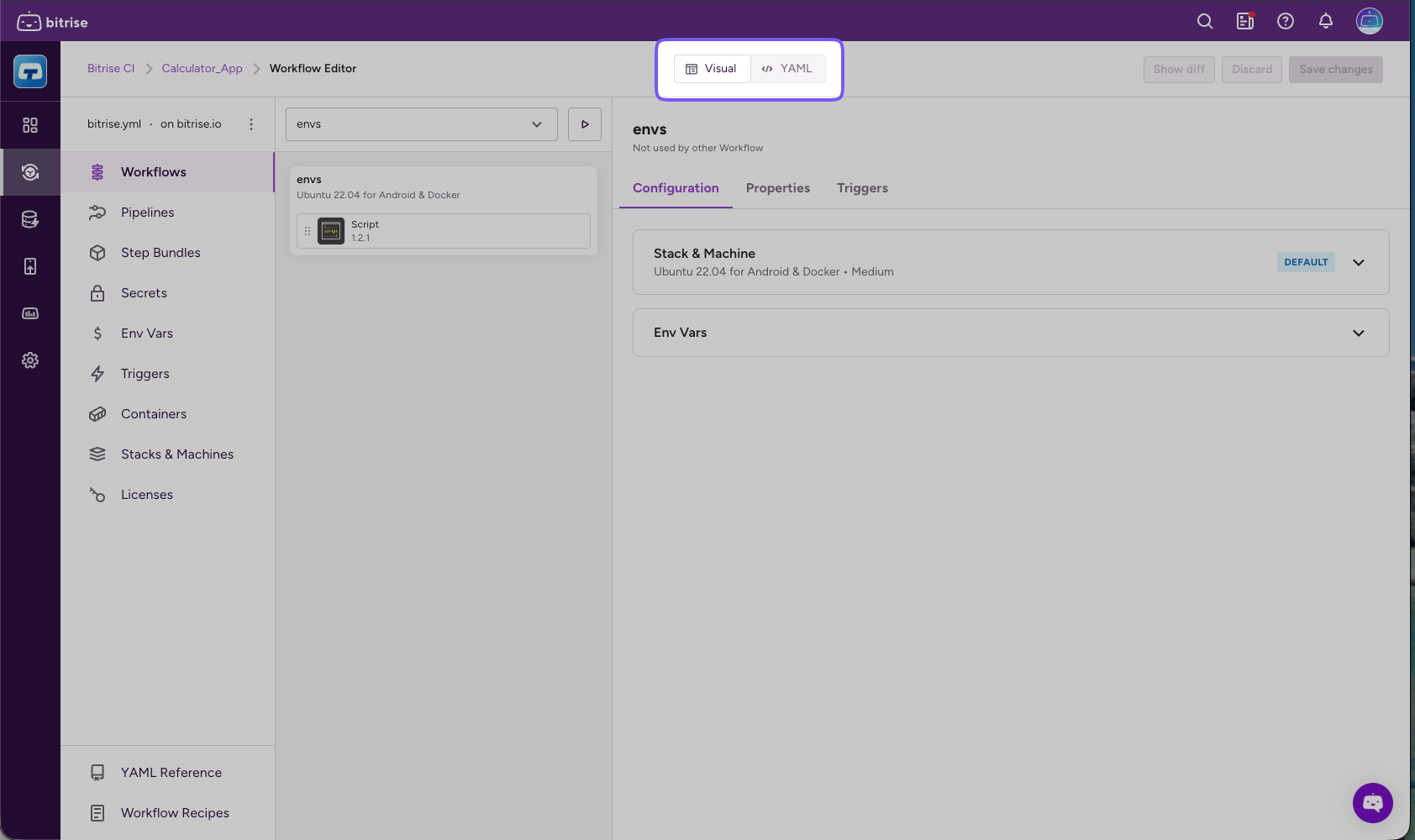
You can edit the file directly here. Bitrise validates your configuration: if your bitrise.yml file is not valid, you won't be able to save the file.
To download the current bitrise.yml file, click Download. Alternatively, you can simply select certain sections of the file and copy those into either a local bitrise.yml file or into another project's bitrise.yml file.
Editing the bitrise.yml file locallyClick to copy link
The offline Workflow Editor runs on your own computer: you can edit your project's configuration YAML file without logging in to bitrise.io, and your configuration never leaves your network. It offers most features of the Workflow Editor.
You can also edit the file with the Bitrise CLI: download the bitrise.yml, validate it, and upload it back to Bitrise. These commands need Bitrise CLI 3.0.0 or newer.
Our YAML scheme is shared on schemastore. This means that syntax highlight and auto-completion is available for the following files if you edit them locally:
bitrise.ymlstep.ymlbitrise.json
The following editors support the auto-complete feature:
-
IntelliJ IDEA
-
PhpStorm
-
PyCharm
-
Rider
-
RubyMine
-
Visual Studio 2013+
-
Visual Studio Code
-
Visual Studio for Mac
-
WebStorm
-
JSONBuddy
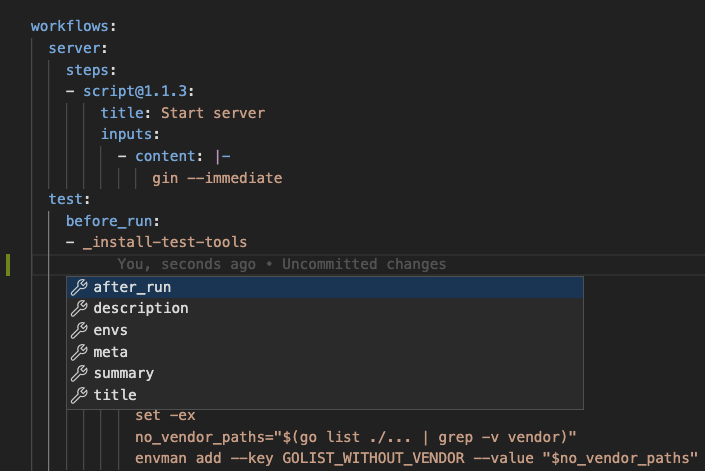
After editing your file locally, you can copy its contents to the online bitrise.yml file, or store it in your own repository and use the Workflow Editor to push future changes directly from the browser.