Clearing the Build Cache
Abstract
You can clear the entire contents of your Bitrise Build Cache any time. This clears everything, including the Gradle configuration cache.
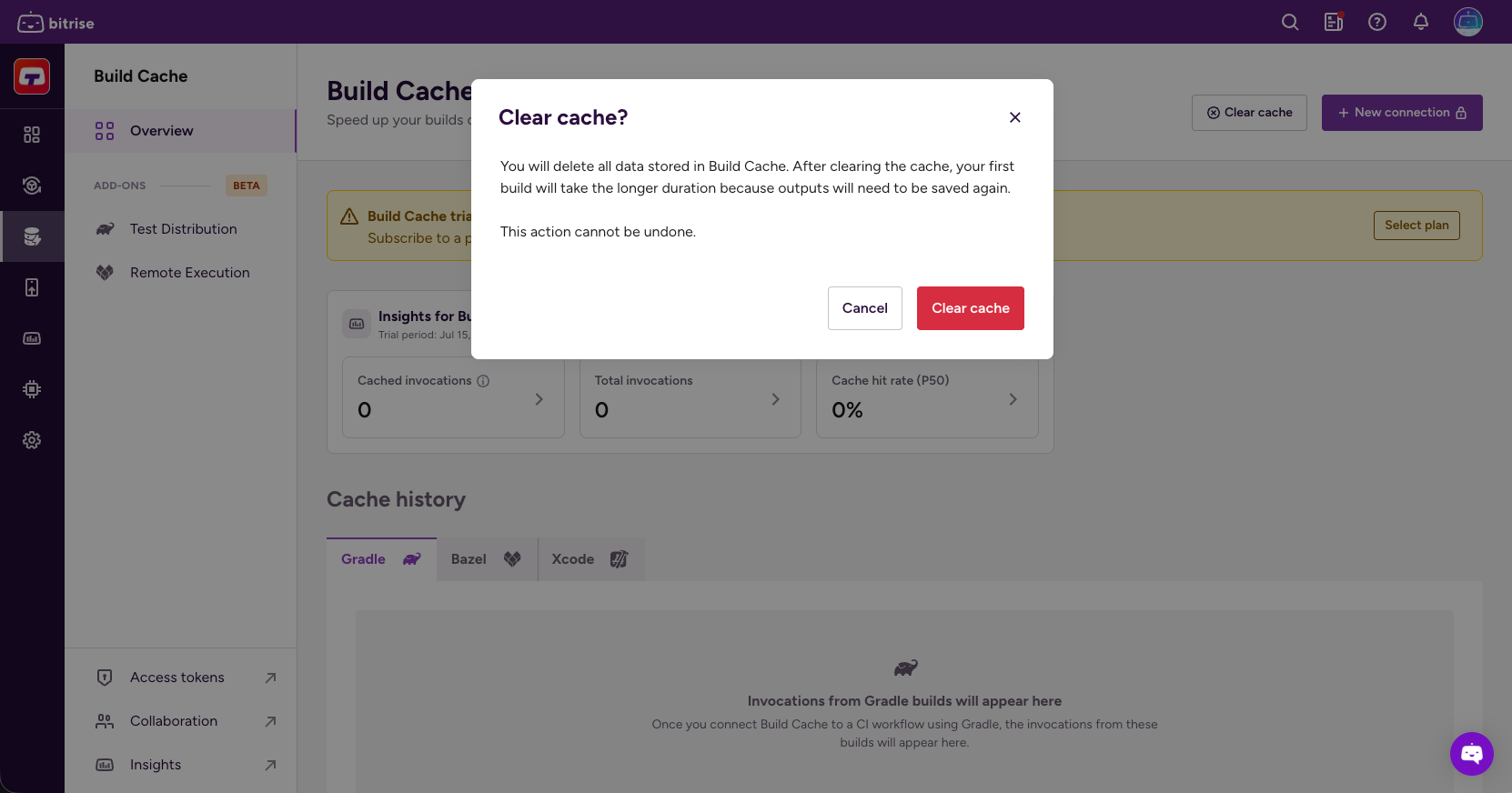
You can clear the entire contents of your Bitrise Build Cache any time. This clears everything, including the Gradle configuration cache. There is no way to delete specific parts of the cache.
After clearing the cache, your first build will take longer because outputs will need to be saved again.
Owners only
Only workspace owners can clear the cache.
To clear the cache:
-
Open the Bitrise Build Cache.
-
Click Clear cache.
-
In the dialog, click .