Checking build details
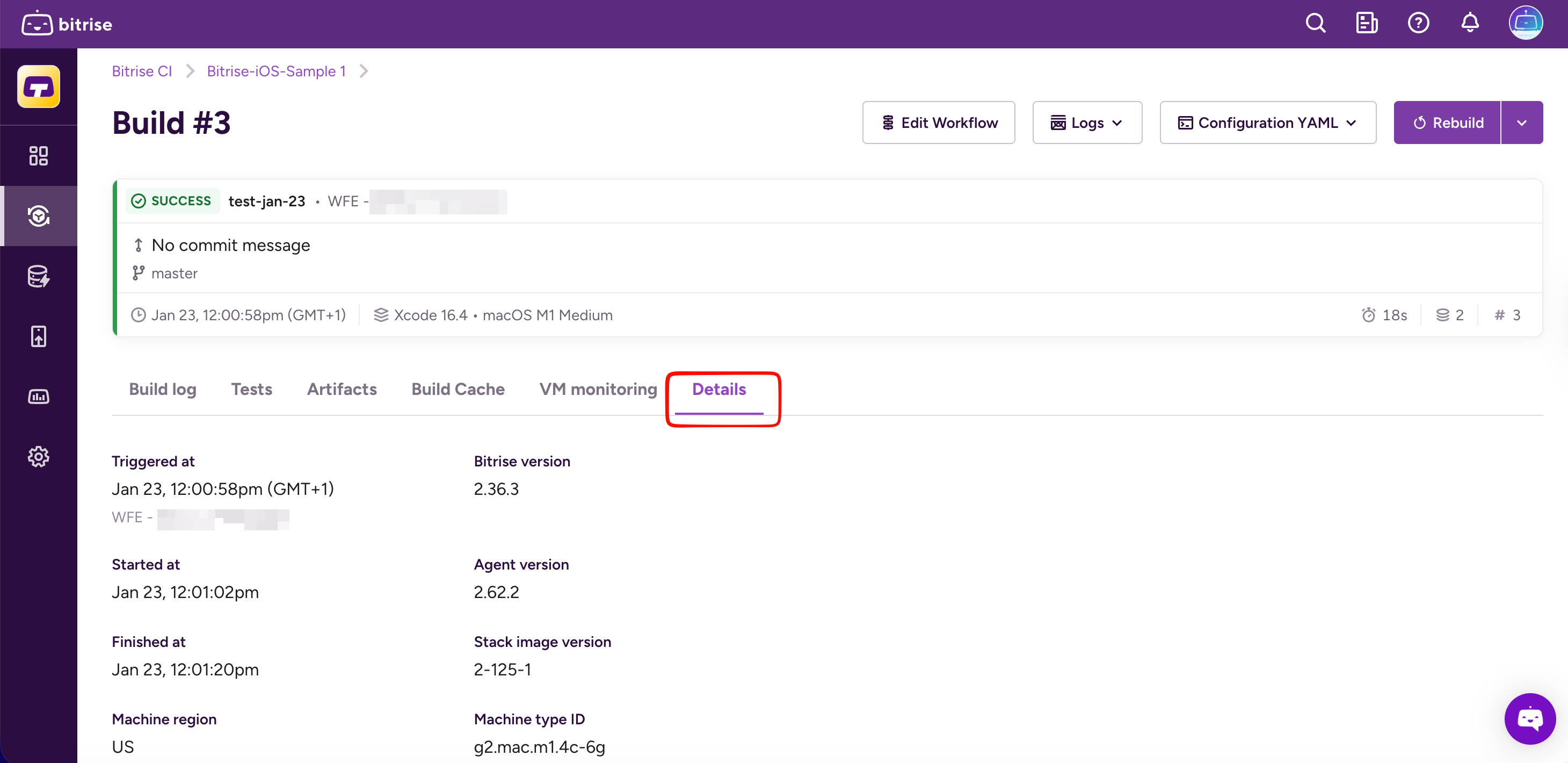
You can find additional details about a specific build by accessing the build's Details tab.
You can find additional details about a specific build by accessing the build's tab. The details include when the build was triggered, when it started and finished, its infrastructure details (such as the agent version or the hostname), its parameters, and even the exact command that was used to launch it.
To check the details:
-
Open the Bitrise CI page and select your project from the project list.
-
Select the build you want to check out.
-
Select the tab.
Additionally, if you want more information about a build’s runtime behavior and some help in diagnosing performance-related failures, check the tab.
VM monitoring shows CPU, memory, and disk usage over the build’s lifetime. It is time-aligned with the build timeline, so you can correlate resource spikes with specific steps, logs, or long-running operations.