Step inputs
Step inputs are the way to configure the Steps for your build. Steps have required inputs that must have a valid value and optional inputs that provide more options to customize your build.
Step inputs are the way to configure the Steps for your build. Steps have required inputs that must have a valid value and optional inputs that provide more options to customize your build.
Click on a Step to bring up its input variables on the right of the currently selected Workflow. Required inputs are marked as such in the Workflow Editor. If required inputs do not have valid values, the Step will fail.
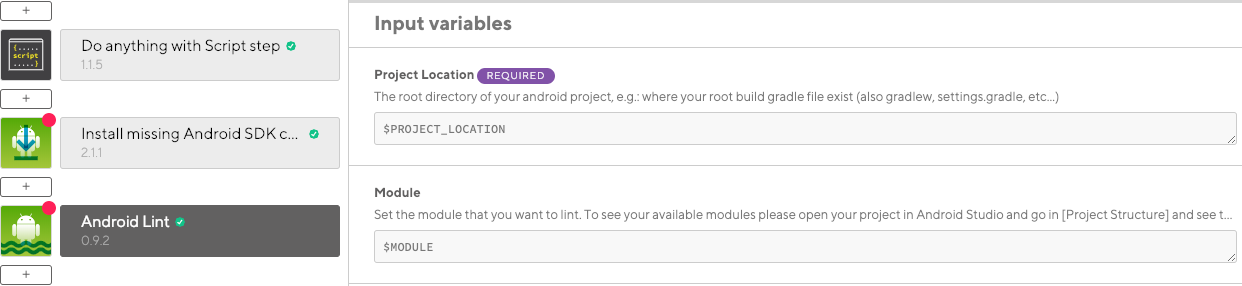
Modify a Step input by either:
-
Clicking into the input field.
-
Clicking the CHANGE option next to the input field.
You can also use Environment Variables (Env Vars) as Step inputs.